Access your work anywhere
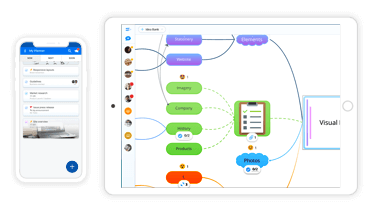
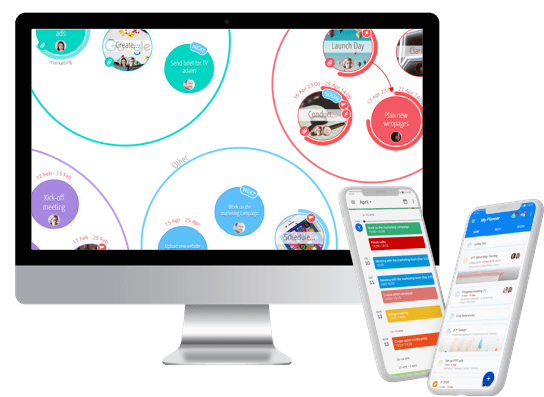
Work anywhere, anytime. Ayoa offers complete flexibility with a selection of apps available to download for free.



Need a work management solution that gives you and your team the ability to achieve without limits? Discover how you can unlock endless possibilities with Ayoa Ultimate.
Buy nowHousing all the features included in Ayoa Pro and then some, Ayoa’s Ultimate plan offers the complete work management solution, eliminating the need for app-switching and enabling you to collaborate seamlessly with your team – even when you’re apart. Check out the great features that are exclusive to Ayoa Ultimate below.
Ayoa Ultimate allows you to create unlimited whiteboards, mind maps and task boards to share with every member of your team.
Whether you’re brainstorming ideas for your latest marketing campaign or planning a new product launch, add attachments (up to 60mb per file), comments, due dates and more to tasks to ensure nothing gets forgotten.
Want to see what everyone is working on? As well as being able to assign tasks to others and track their progress, the team pulse dashboard (which is exclusive to Ayoa Ultimate) will give you a snapshot of what every team member is doing that day, so you’re always kept in the loop!
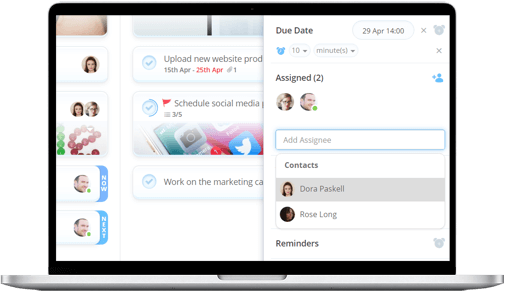
Remote working is the future – and Ayoa Ultimate provides the solution to make this transition seamless for your team. Get instant responses to your questions through task comments and Ayoa chat, and see who’s available at a glance with new user statuses.

Ayoa Ultimate works in harmony with your other favorite tools, reducing the need for app-switching. Use Google Calendar integration to get a complete view of schedule and ensure no deadline is missed, and Evernote integration to turn your notes into actionable tasks in Ayoa.


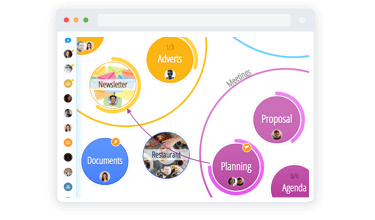
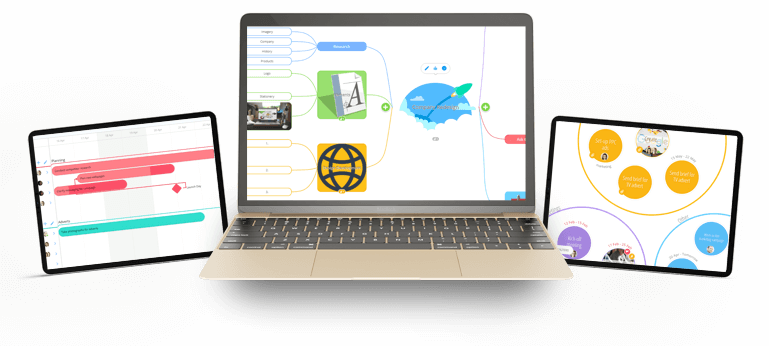
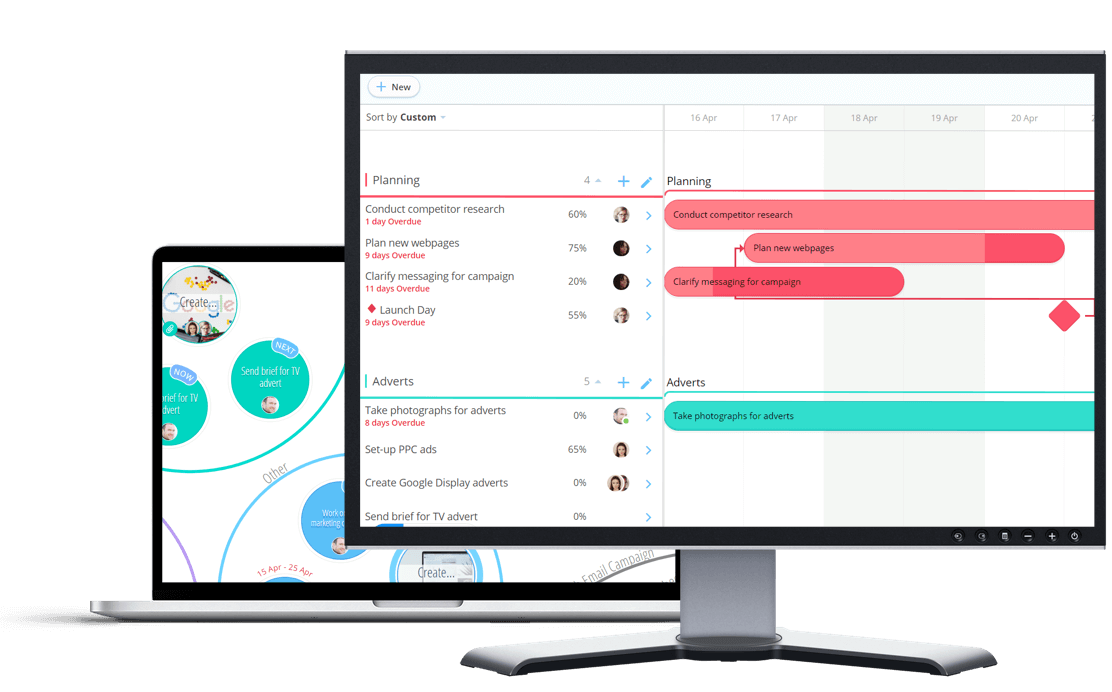
Unlike many work management tools, Ayoa gives you the flexibility to manage the way you work. Visual thinkers will enjoy managing their tasks as colorful bubbles in canvas view, while list-lovers can take advantage of the linear style of workflow view. Managing an extensive project with various milestones? Gantt timeline view is also available for paid users of Ayoa.
When it comes to managing large projects, go one step further with the additional views available in our Pro plan. Visualize a project’s milestones and adjust these when priorities change with Gantt timeline view – available for task boards and your personal planner.
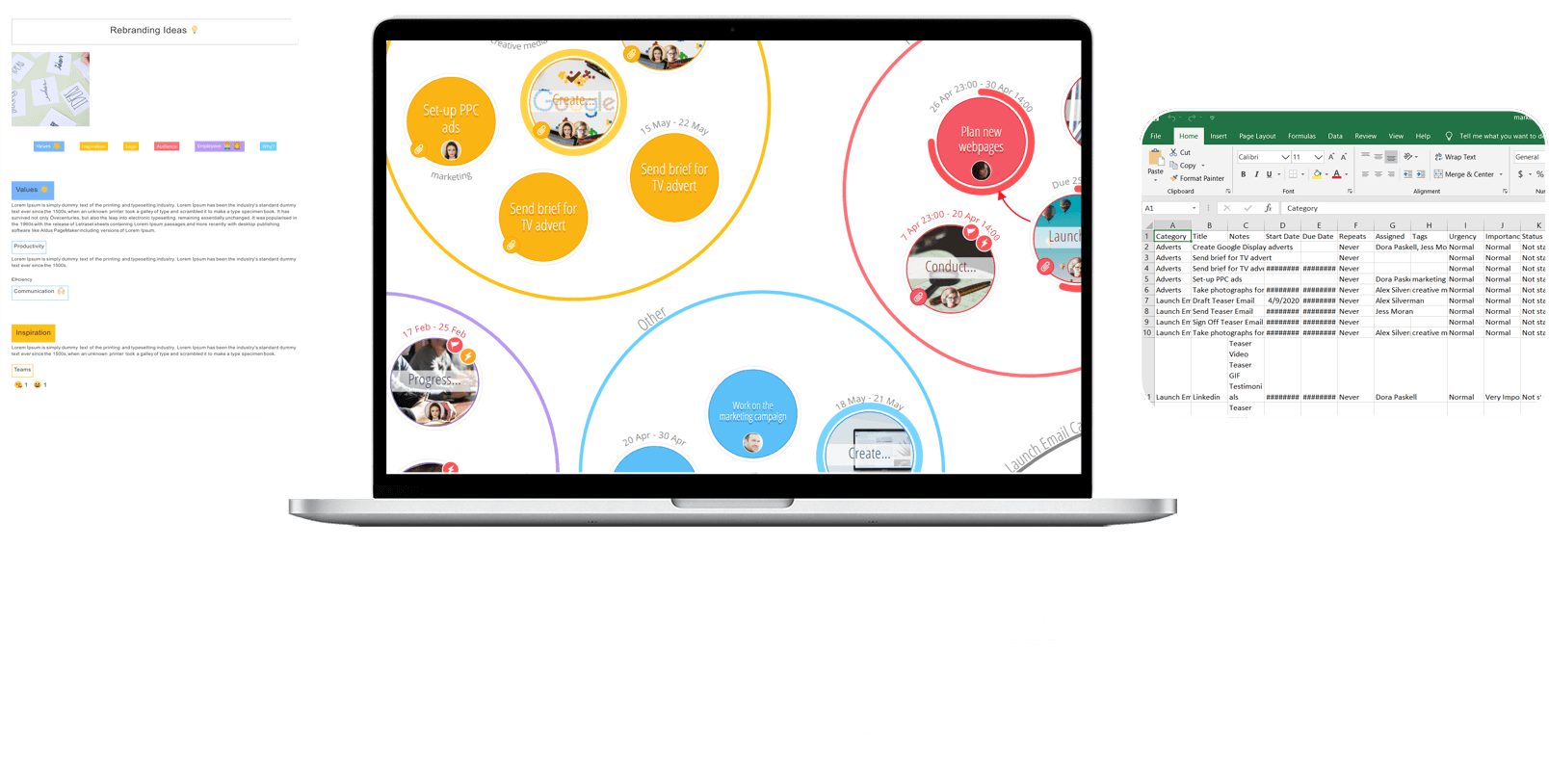
With advanced exporting options (exclusive to our paid plans), you can print or share your work with others outside of Ayoa with ease. Whether you want to turn a mind map into a PNG or JPG image, PDF or Word Document, or download a task board as a CSV, we’ve got you covered.
Want to see Ayoa’s features in action in under two minutes? 
Sign up or upgrade to our Ultimate plan to unlock Ayoa’s full features.








“The most unique twist on task management I’ve ever seen”

“Visually-oriented people – this layout boosts productivity”

“Turns your tasks into an awesome venn diagram”

“A more intuitive way to manage workloads”
Work anywhere, anytime. Ayoa offers complete flexibility with a selection of apps available to download for free.