

May 8, 2014
Install DropTask from the NEW Google Apps Marketplace!
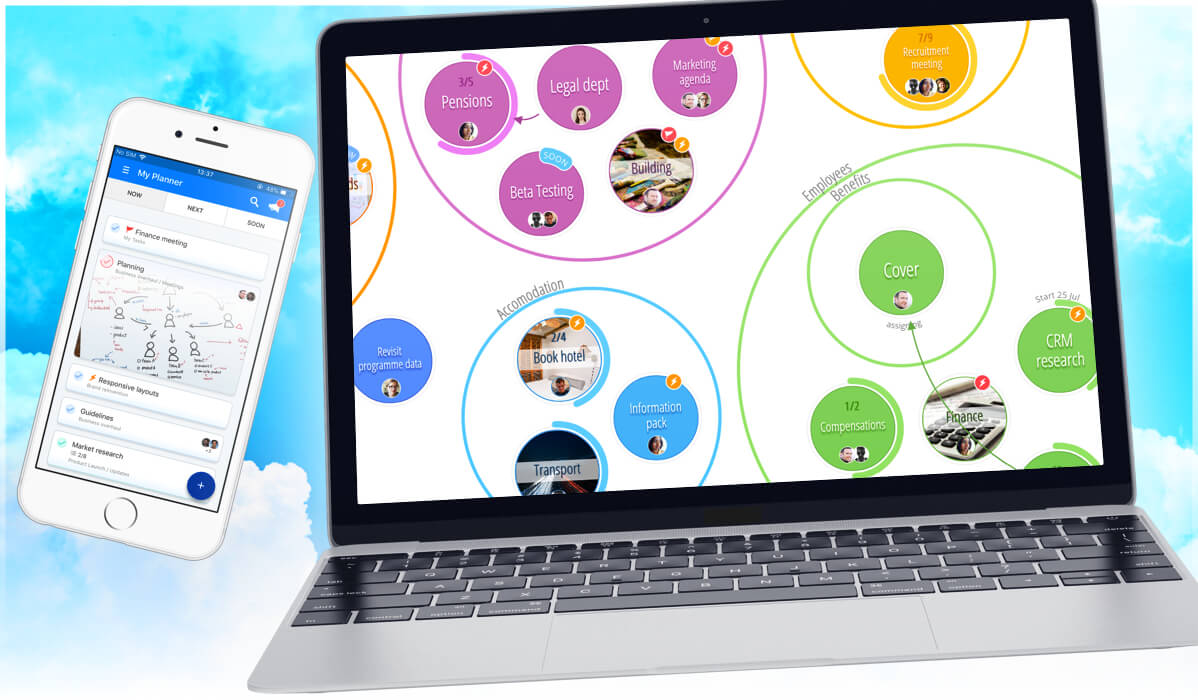
*PLEASE NOTE – DropTask is now Ayoa – an all-in-one tool for idea generation and collaboration, that goes beyond traditional task management. Discover Ayoa and achieve your best work.*
With our recent addition to the new Google Apps Marketplace last week (followed by being named the No.1 Top Installed Productivity App), we thought it would be the perfect time to take a closer look at some of our powerful integrations with Google, and how installing DropTask for the entire domain can make it easier for business users who are looking to bring their team together. _______________________________________________________
Once you’ve installed DropTask from the marketplace, each member within your organization will be able to gain easy access to it from their list of Google Apps with single sign-on capability (so no need to remember yet another new password!). As the administrator, you’ll be able to manage the app via your Google Apps control panel, along with a single directory of all of your users.
Installing DropTask from the Google Apps Marketplace also unlocks exclusive access to the DropTask Gmail widget, which allows you to instantaneously transform any email into a task. Appearing at the bottom of every email (which can be hidden according to your preferences), you’ll soon realise its convenience and sheer value as more time gets spent actioning tasks rather than replying to emails!
_______________________________________________________
Exclusively available to DropTask PRO, our Google Calendar integration allows you to track the due dates that have been assigned for all of your tasks so that you can stay on schedule and manage your time effectively. Once your DropTask project calendar is enabled within Google Calendar, you’ll also be able to rearrange the tasks according to the date they are due, and all of the changes will automatically get updated within DropTask.
_______________________________________________________
As a DropTask PRO user, you’re also able to sync any one of your DropTask projects with Google Tasks. Any changes you make within each application will automatically sync up, and you’ll be able to manage your Google Lists within DropTask’s uniquely visual interface.
_______________________________________________________
In addition to the above, DropTask also supports Google Contacts and Google Drive integration – both of which aim to provide you with the convenience of using and combining two powerful tools together in order to maximise on the potential of what you can achieve. Long gone are the days of manually synchronizing data!
So if you’d like to simplify the way you can use DropTask in the workplace or are curious to see what Google named their ‘No.1 Top Installed Productivity App’ in the Google Apps Marketplace last week, then install it for free here, and be sure to leave your comments below to give us your thoughts!