

September 8, 2014
DropTask on Android: Beta Now Open!
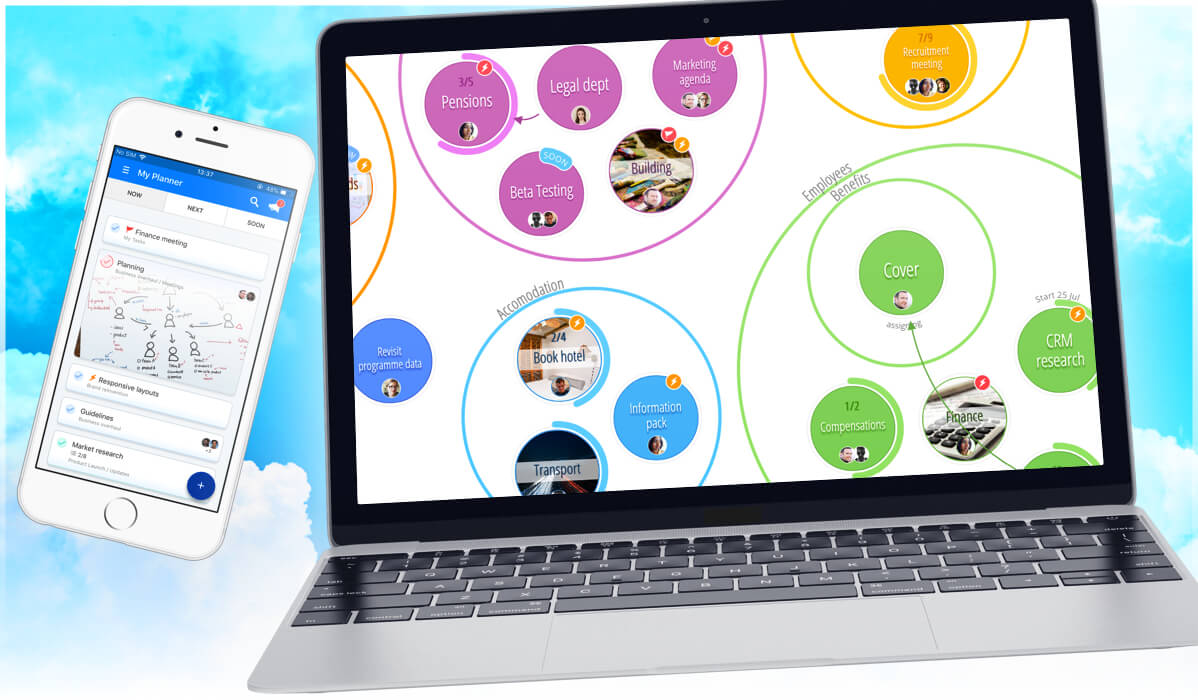
*PLEASE NOTE – DropTask is now Ayoa – an all-in-one tool for idea generation and collaboration, that goes beyond traditional task management. Discover Ayoa and achieve your best work.*
We’re on a quest to make DropTask accessible to you at all times, and this is why we can’t wait to officially release our Android app which is currently being Beta tested by some of our PRO users.
For complete optimization, the new app has been redesigned from the ground up to suit all of your touch screen Android devices – and it even supports offline access to all of your projects as well as native push notifications for instant updates.
So while the app gets polished ready for its wider release, we thought we’d give you a sneak peek to see what everyone’s talking about…
“Comfortable with the browser based DropTask, I was looking forward to the Android application…DropTask didn’t let me down and pulled through with an amazing application that was well worth the wait.” Brendan Gardner, Android Beta Tester
Unless you’re already using our fantastic iPhone app, you’ll notice that we’re introducing a fresh new interface to make the app as intuitive and user friendly as possible. This means that navigating your way in and around the app will be a breeze.
To the right, is the new Home screen you’ll see each time you log in. From here, you’ll be able to access your ‘All Tasks’ categories as well as every project you’ve created. A smooth swipe to the left will also allow you to delete a project in-case you’re looking for a quick way to remove some unnecessary items.
Each time you select a project, you’ll be presented with the screen to the left. You’ll notice here that each group is colour co-ordinated so you’ll be able to easily make that visual connection as soon as you step into the Visual View.
It’s been said in the past that DropTask is truly at its best on a touch device – and we think you may agree.
There’s nothing quite as intuitive as dragging and dropping task circles from group to group to really highlight how instinctive it is to categorize ‘to dos’ within their spacial surroundings.
Can not wait… it’s possibly the deal breaker to me upgrading to the Pro version!
How long will I have to wait?*
*Working in Software development I appreciate setting expectation is avoided at all cost but an indication of this month / next couple of months / next quarter / next year would set my anticipation!
How do you become a beta tester?
Hi Mike. We’re not currently accepting new entries, however you can become a beta tester as long as you are a member of DropTask PRO and have a compatible device on which to test our upcoming app 🙂
I am both an ios and android user. Is the android beta over or is it still available?
When do you expect the android version to be released?
Thank you
Can we please have a timescale on the android release. If it is not soon then Android users will need to use another app.
I just moved to Android from iOS and need a task manager if I cannot keep my droptask on my phone.
Hi Tony. I can confirm that we’re looking to launch the Android app this November 🙂 We’ll be releasing another update very soon – stay tuned!
Adding my voice to other comments here: Timescale, please, even if somewhat broad. Thanks!
Please ignore/delete my comment. It got posted literally minutes after you answered the question… something I noticed on page reload.
No problem Demos, thank you for getting in touch with us. We appreciate your patience and look to have the app ready for you in November 🙂