
*PLEASE NOTE – DropTask is now Ayoa – an all-in-one tool for idea generation and collaboration, that goes beyond traditional task management. Discover Ayoa and achieve your best work.*
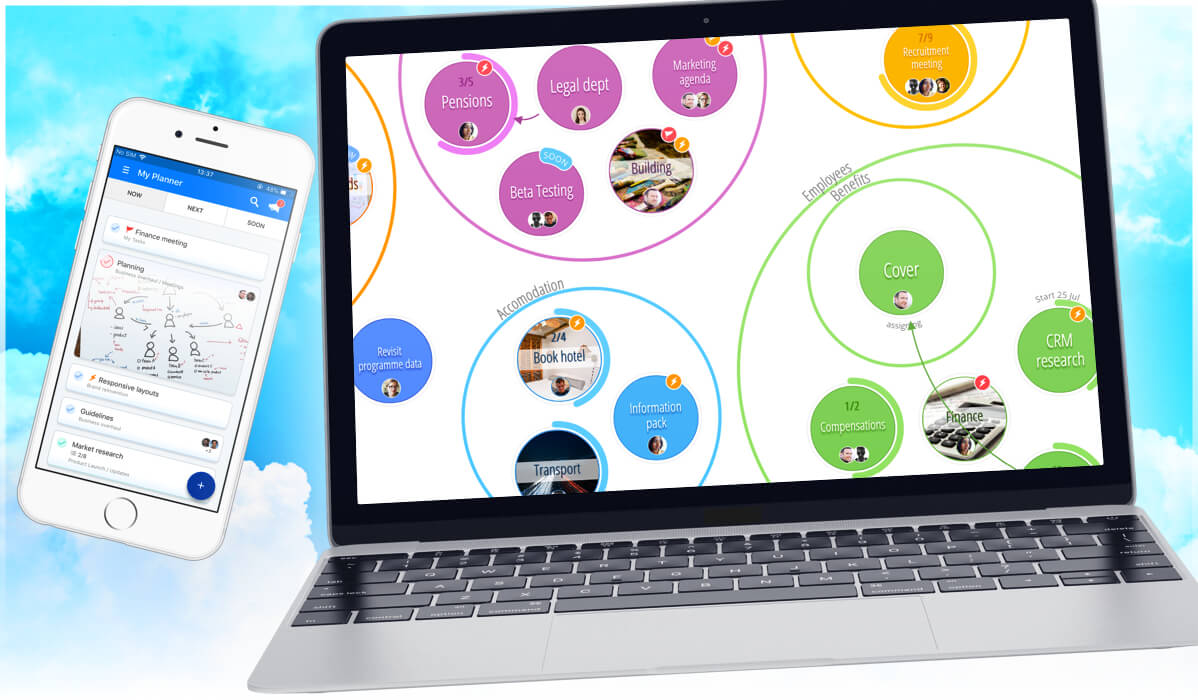
Whilst our development team work hard on our native apps, we are keen to ensure that DropTask works as well as possible on mobile and tablet web browsers. Following the recent release of DropTask mobile, we are now happy to announce a number of changes that improve the DropTask experience on iPad:
- Improved gesture support – use pinch to zoom in and out of your project and two fingers to pan around it.
- Collapsible side bar – hide the side bar to get more space to view your project.
- Switch to DropTask mobile – when you just need to quickly manage your tasks on the go, switch to the mobile version of DropTask (this also works on other tablets). You can find this option in the menu that appears when you tap your profile picture.
- Various other fixes and improvements – a number of features in the application previously didn’t work as well as we wanted them to on an iPad. We have gone through and fixed any issues we could find – if you notice anything we have missed, please drop us an email!
Remember you can add DropTask to your home screen from Safari by tapping the share button and selecting “Add to Home Screen”. This will then launch a full screen version of DropTask, outside of Safari.
We hope you enjoy using DropTask on your iPad!