
*PLEASE NOTE – DropTask is now Ayoa – an all-in-one tool for idea generation and collaboration, that goes beyond traditional task management. Discover Ayoa and achieve your best work.*
This week has been one of the most exciting in the DropTask calendar so far, with one of our biggest launches to date taking place TODAY! We introduce you to our new user interface for the web app– which we hope you agree looks beautiful – but we have also brought in some massive new functionality for you to start using right away.
As we are forever seeking to improve DropTask, a constant stream of new features often find their way into development as a result of the wonderful feedback you give us. However, the features we bring to you today are nothing short of monumental, giving you the power to use DropTask in more ways than ever before.
The New Look DropTask On The Web
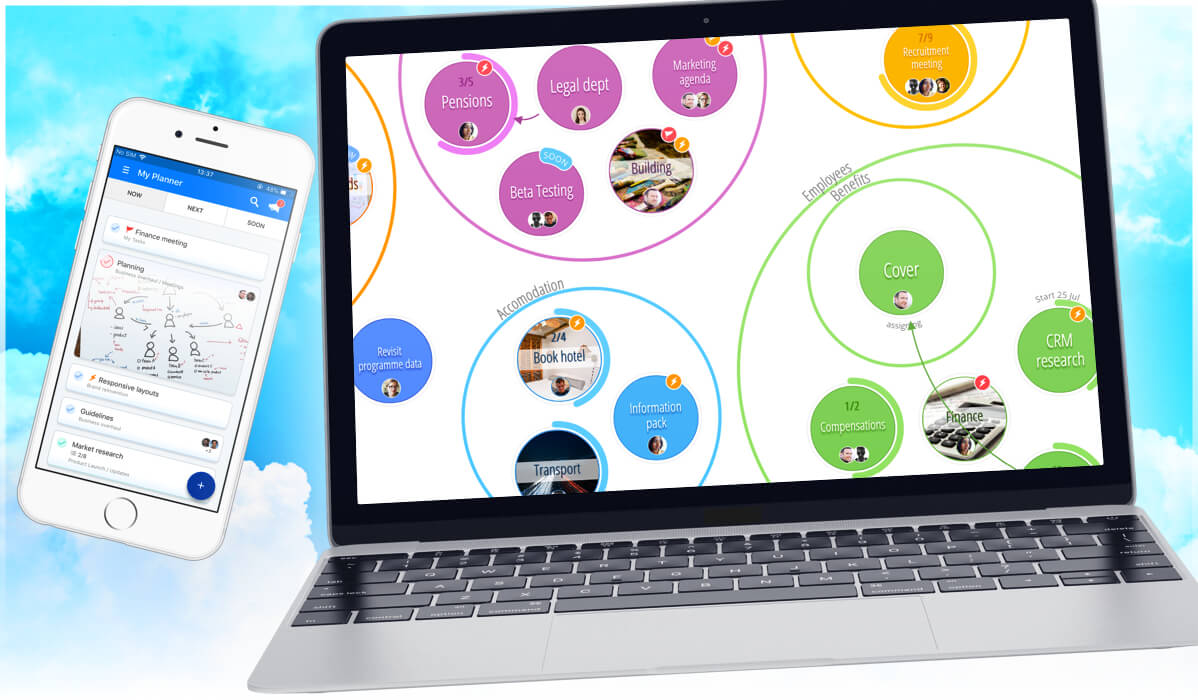
We’re big on visuals here, you know that. Improving the look and feel of DropTask is something close to our hearts, and we hope the updated interface reflects that. The overall refreshed look is cleaner and much smoother overall, making your experience within the app more fluid. The colours are richer and the graphics are clearer, with the various project views looking and feeling nicer than ever before. Better yet, the new interface doesn’t just look great, but performs even more intuitively than its predecessor. Your projects are not only easier on the eye, but now easier to manage too.
User Permissions & Visibility Settings
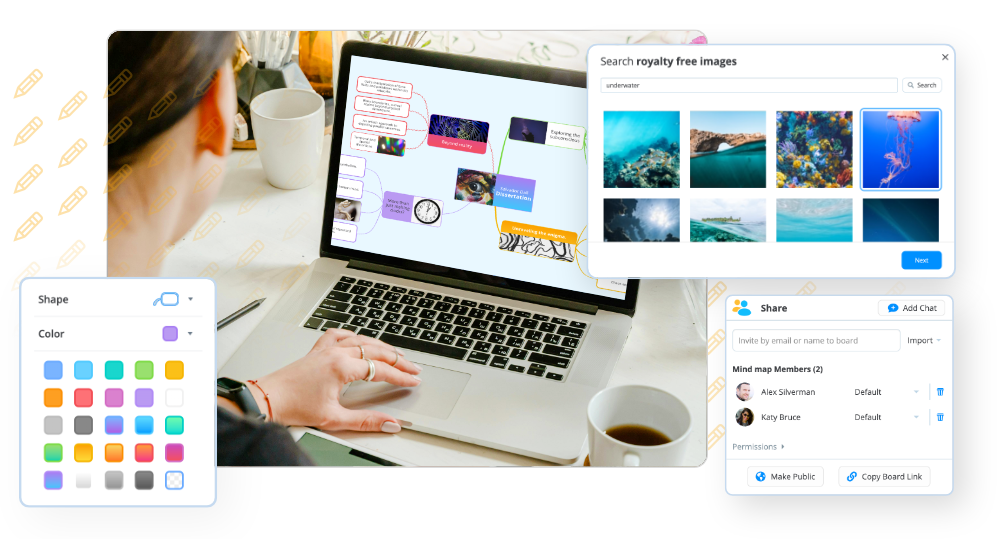
If there is one thing we’ve learnt at DropTask, it’s that being able to control who can view and edit things within your projects is a deal breaker when it comes to your project management needs. Hundreds of you have told us that. That’s why we’re delighted that it’s now possible for you to edit User Permissions and Visibility Settings. These settings give you an abundance of ways to control your projects, as well as the activities of project members. You’re now able to publicly share a project with everyone – even non users – so anyone can see what you’re working on if you so wish. On the other hand, you can set a project as private for members-only access.
If you’re using DropTask PRO not only can you control what other members see, you can also control what they do. You have the option to choose who has permission to invite new members to a project or delete tasks. Go a step further and restrict a member so they can view their assigned tasks only, with no ability to create new tasks or groups. For those of you sharing your projects with clients, it’s possible to give them exclusive read-only access to your chosen projects, which they can view but not edit. With this new function you can rest assured that your projects cannot be compromised in any way.
Eisenhower Style Urgency and Importance Prioritization
We’ve spoken in detail about this one already in a previous blog post so we won’t say too much, but it is now possible to prioritize your tasks using the Urgency and Importance attributes. These should make deciding the order in which to complete your tasks a breeze, increasing your output whilst reducing time spent making decisions. Visual indicators of these attributes will be consistent throughout the project, making a glance all that is necessary in order to see what needs to be done and when.
Cover Images
Images. We like them. So does your brain. It’s why DropTask is a visual task management tool. It’s also why we’ve introduced the cover images feature to make your projects more visual than they’ve ever been. If you’re a DropTask PRO user you now have the option to add cover images to tasks, utilizing your brains natural ability to process visuals better than text. This allows you to differentiate between tasks just by looking at them, which should make searching through projects much easier – especially for those users with a lot of tasks that need to be sifted through quickly and efficiently. Cover images also greatly improve the personalization of your projects, giving you extended control over what your project looks like. Whether you use cover images for pretty or practical purposes, we think you’ll enjoy them.